
For product teams and manufacturers

Keep product instructions current after the box is printed

A package may remain on a shelf long after its printed manual changes. Link the QR code to a managed product document or setup video, then replace the file when instructions, firmware steps, or support details change. The packaging stays in circulation while the digital resource can be maintained centrally.

Stable public file page
Replace a file at its link
Aggregate views, downloads, scans
Guest: 7-day sharingOne-time file retention from $4.99Free ≤20MB · 2GB with creditsCloudflare R2 storagePNG + SVG QREmbeds + analytics
Create a share page for this workflow
Upload a supported file to create a public page, QR PNG/SVG, direct link, and engagement counts.

Free up to 20MB · larger files cost 1 credit per 10MB·e.g. a 100MB video = 9 credits

Images: jpg, jpeg, png, gif, webp, avif, svg, bmp, icoDocuments: pdf, docx, pptx, xls, xlsx, csv, txt, md, rtf, odt, ods, odpAudio: mp3, wav, ogg, aac, m4a, flac, opusVideo: mp4, mov, webm, avi, mkv, m4v, mpeg, mpgArchives: zip, rar, 7z, tar, gz
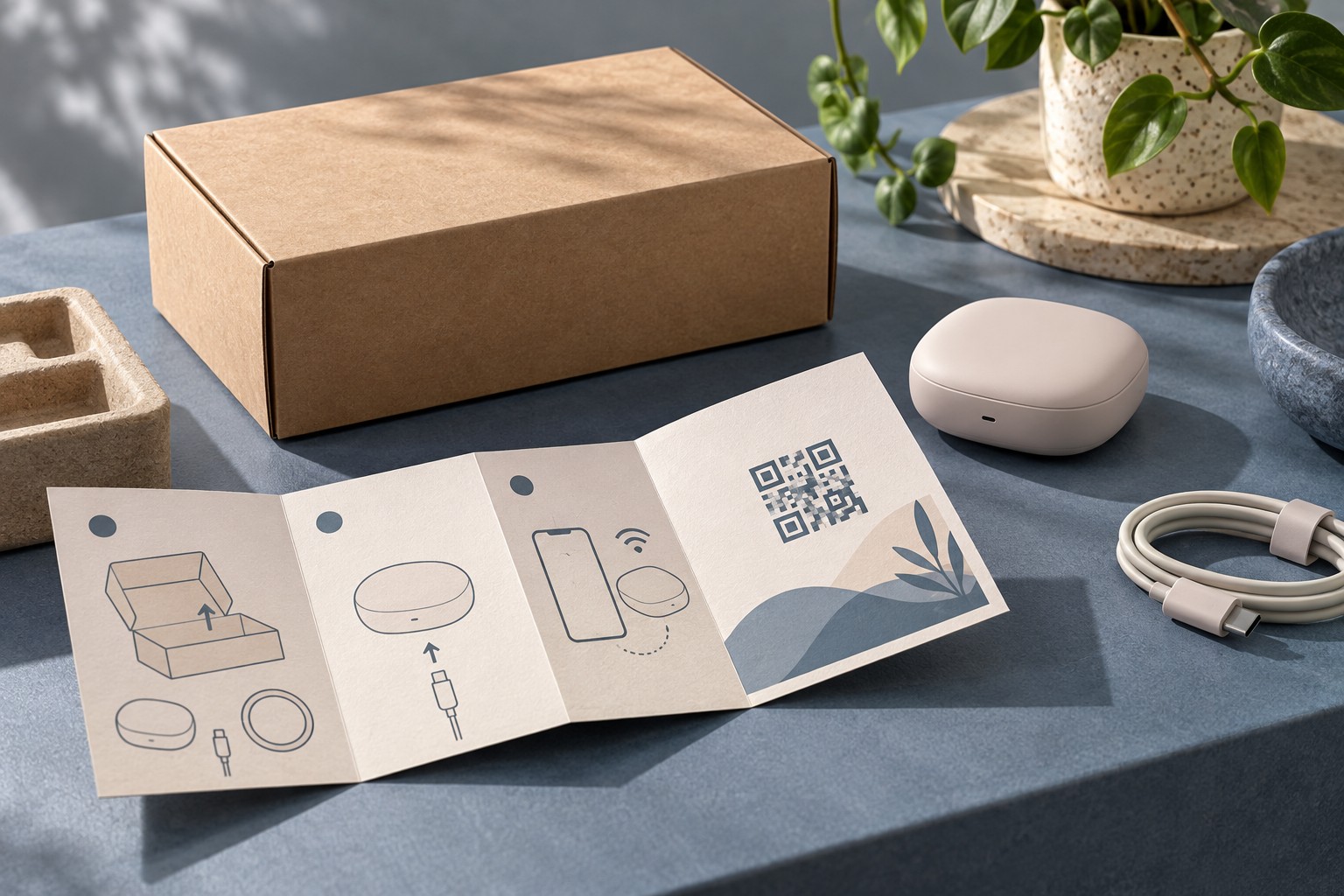
Illustrative product packaging and manual QR code use case
Product box · setup guide · current instructions

Use packaging as an entry point, not a tiny document

A product label has limited space. A QR code can take a customer to a readable setup guide, compatibility notes, troubleshooting steps, or a short installation video without squeezing everything onto the box. Keep essential warnings and legally required information on the physical product or packaging where applicable; a QR page should supplement, not silently replace, required printed disclosures.

One stable destination for changing files

Create a file page for the current manual and put its QR code on packaging, inserts, and quick-start cards. When a revision is ready, replace the existing file rather than issuing a new code for every batch. Maintain a clear version number and effective date inside the document so support staff and customers can tell which instructions they are viewing.

Connect printed instructions to support content

A package QR can point to a concise PDF, an installation clip, or a troubleshooting image. Select the format for the task: PDFs suit step-by-step references; video helps demonstrate physical actions; a still image can clarify a port, button, or connector. ShareKit supports common document, video, and image uploads, with a public page and direct file URL.

Use scan counts as a product signal

Aggregate QR scan, view, and download counts show whether a resource is being opened. Compare separately created links for different packaging runs or inserts, and label the resources internally so the team knows which production batch they represent. Counts are not customer identities or proof that someone completed setup.

A simple workflow, with room to update

Step 1
Publish the approved resource

Upload the current manual, quick-start PDF, or installation video.

Step 2
Add the QR to packaging

Download the QR SVG and test it from a printed proof before a production run.

Step 3
Maintain revisions

Replace the file at the same link and update the visible document revision and date.

Frequently asked questions

What is a dynamic QR code for a product manual?

It is a printed QR code that points to a managed web address rather than embedding a fixed file itself. When the owner replaces the file at that address, the printed code can continue to open the current resource.

Can the manual URL stay the same when the PDF changes?

ShareKit supports replacing an uploaded file while preserving its public link, subject to the account and file controls available for that upload.

Can a product packaging QR open a setup video?

Yes. ShareKit accepts supported video formats and provides a public page with playback or download options, depending on the file and browser.

Should a QR code replace printed safety instructions?

Do not rely on a QR page to replace legally required or safety-critical information. Keep essential warnings available on the product or packaging and use the QR as an additional resource.

Can I compare scans across different packaging runs?

Create a separate upload and QR for each run or placement. Aggregate scan counts can then be compared at the file level.