
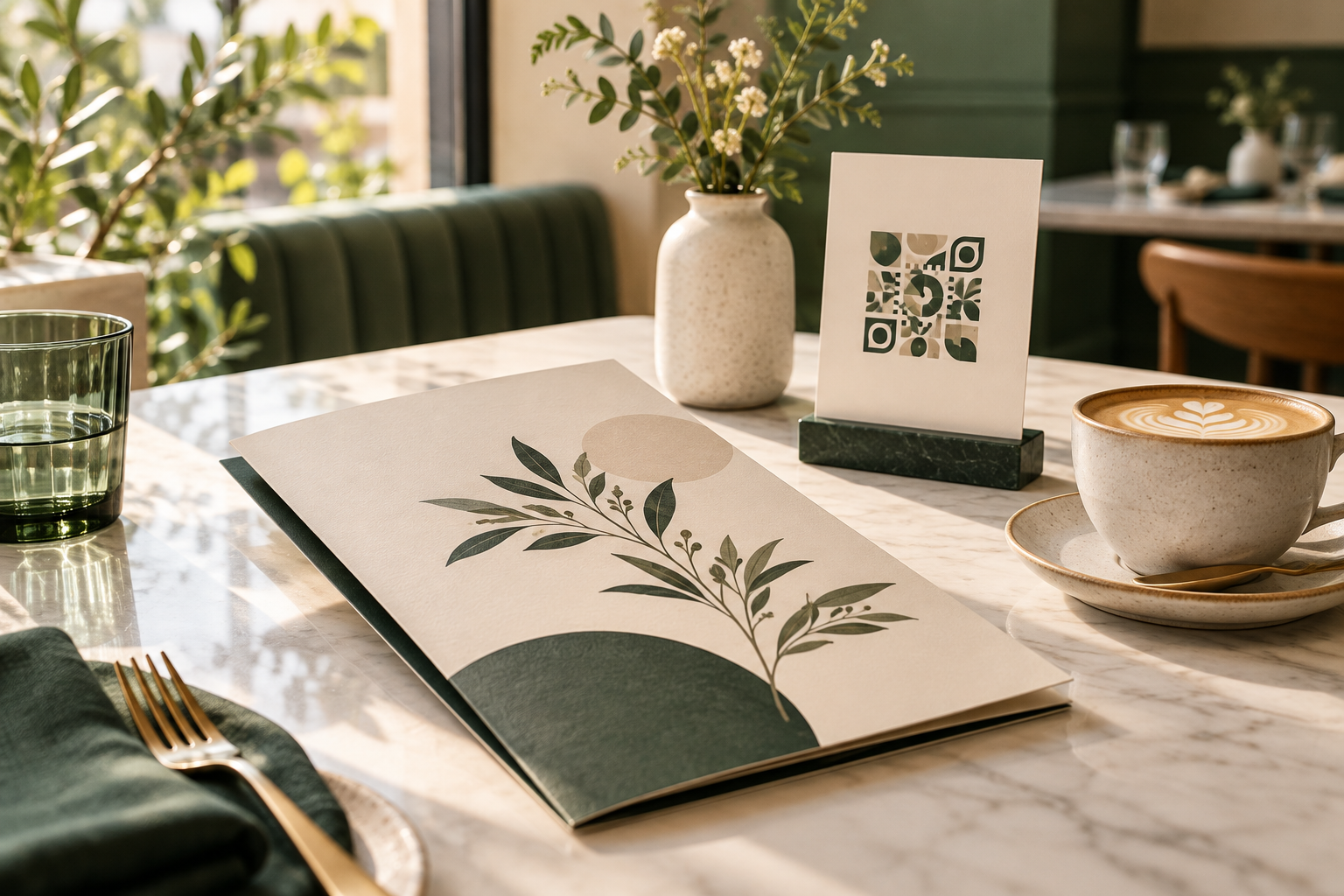
For restaurants, cafés, and food trucks

Update your menu without reprinting its QR code

Put one QR code on table tents, window signs, takeaway bags, or receipts. Upload the current menu as a PDF, then replace that file when prices, seasonal dishes, or opening hours change. Guests keep scanning the printed code and reach the current menu at the same address.

Stable public file page
Replace a file at its link
Aggregate views, downloads, scans
Guest: 7-day sharingOne-time file retention from $4.99Free ≤20MB · 2GB with creditsCloudflare R2 storagePNG + SVG QREmbeds + analytics
Create a share page for this workflow
Upload a supported file to create a public page, QR PNG/SVG, direct link, and engagement counts.

Free up to 20MB · larger files cost 1 credit per 10MB·e.g. a 100MB video = 9 credits

Images: jpg, jpeg, png, gif, webp, avif, svg, bmp, icoDocuments: pdf, docx, pptx, xls, xlsx, csv, txt, md, rtf, odt, ods, odpAudio: mp3, wav, ogg, aac, m4a, flac, opusVideo: mp4, mov, webm, avi, mkv, m4v, mpeg, mpgArchives: zip, rar, 7z, tar, gz
Illustrative restaurant menu QR code use case
Digital menu · printed QR · scan reporting

A printed menu QR should survive menu changes

A static code that embeds an old PDF link can leave a restaurant with stale menus or another print bill. With a hosted file page, the QR points to a stable address; an authorized owner can replace the menu file while keeping that address in circulation. Test the replacement on a phone before service and keep a paper fallback for guests who prefer it.

  • Seasonal menus and daily specials
  • Price, allergen, and availability corrections
  • Separate placements for table tents, takeaway, and window signs

Choose a menu format guests can actually use

A compact, text-readable PDF is a practical starting point because it preserves layout and works across common phone browsers. Use selectable text, strong contrast, clear section labels, and a file size that loads comfortably on mobile data. If you maintain separate language or dietary menus, make the destination and printed instruction explicit rather than putting several unlabeled files behind one code.

Measure print usage without pretending to identify guests

ShareKit reports aggregate file views, downloads, and QR scans. These counts help compare activity across separately created menu links or placements; they do not identify an individual diner. Treat scans as a directional signal, not as a headcount: guests may scan more than once, and a scan does not prove a purchase.

Make the physical sign easy to scan

Print from the SVG for sharp edges, leave a quiet margin around the code, and test a proof at its final size and lighting conditions. Place it where a guest can comfortably point a phone at it. Add a short call to action such as “Scan to view today’s menu,” plus a short URL or staff-assisted fallback if the code cannot be used.

A simple workflow, with room to update

Step 1
Prepare the menu

Export a mobile-friendly, accessible PDF with current prices and menu details.

Step 2
Upload and print

Create a ShareKit file page and download its QR PNG or print-ready SVG.

Step 3
Replace and review

When the menu changes, replace the file at the same address and verify it before service.

Frequently asked questions

Can I update a restaurant menu without reprinting its QR code?

Yes. Use a QR code that points to a ShareKit file page, then replace the menu file at that same address. The already printed code continues to open the page.

What file should I use for a digital restaurant menu?

A mobile-friendly PDF is a dependable option because it preserves the menu layout and can be previewed or downloaded in a browser.

Can I see how many people scanned the menu?

ShareKit reports aggregate QR scan counts, along with file page views and downloads. The analytics are counts and do not identify individual diners.

Should I use one QR code for every table?

One shared code is easiest to maintain. If you need to compare physical placements, create separate links and codes for each placement; keep the menu content consistent.

Can guests open a menu without installing an app?

Guests can scan with a phone camera and open the public file page in a browser; no ShareKit account is required for the recipient.