
For sales and client-facing teams

Send the latest proposal, not another email attachment

A proposal, quotation sheet, or product demo should be easy to open and straightforward to keep current. Share a public file page instead of a large attachment, replace the file at the same address when a revision is approved, and review aggregate page views and downloads to inform your follow-up.

Stable public file page
Replace a file at its link
Aggregate views, downloads, scans
Guest: 7-day sharingOne-time file retention from $4.99Free ≤20MB · 2GB with creditsCloudflare R2 storagePNG + SVG QREmbeds + analytics
Create a share page for this workflow
Upload a supported file to create a public page, QR PNG/SVG, direct link, and engagement counts.

Free up to 20MB · larger files cost 1 credit per 10MB·e.g. a 100MB video = 9 credits

Images: jpg, jpeg, png, gif, webp, avif, svg, bmp, icoDocuments: pdf, docx, pptx, xls, xlsx, csv, txt, md, rtf, odt, ods, odpAudio: mp3, wav, ogg, aac, m4a, flac, opusVideo: mp4, mov, webm, avi, mkv, m4v, mpeg, mpgArchives: zip, rar, 7z, tar, gz
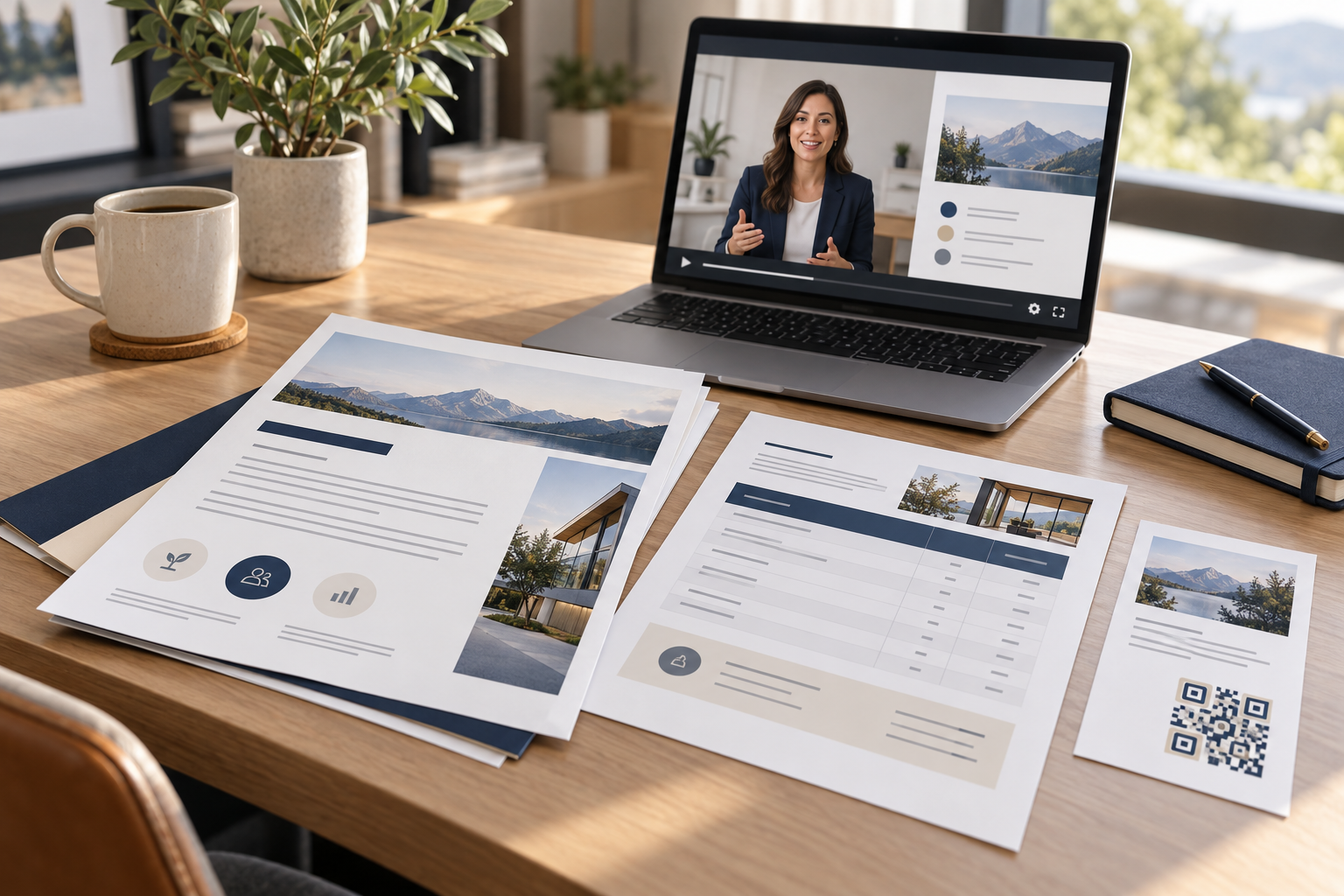
Illustrative sales proposal and client QR handout use case
Proposal PDF · client handoff · engagement metrics

Make proposals and quotation sheets easy to open

PDF proposals and quotation sheets can be previewed in a browser before a client decides to download. A demo video or case-study image can be shared alongside the proposal using a separate link. Keep filenames and document titles professional, make currency and quote-validity dates explicit, and ensure the public page contains only material approved for that client or external audience.

Replace revisions without scattering copies

When a proposal changes, upload the approved revision to the existing managed link if the file replacement feature is available to the owner. Update the revision date inside the document and verify permissions before sending the link again. This reduces stale attachment copies but does not revoke a copy someone already downloaded.

Use engagement counts to guide follow-up

Views and downloads can show whether a shared page has been opened, but aggregate analytics do not reveal the identity of the viewer. Combine the signal with the context of your CRM and conversation; do not treat a view count as proof that a named contact read every page. Avoid putting confidential pricing, personal data, or sensitive contracts on an unrestricted public link.

Bring a digital handoff into the room

A QR code on a printed one-pager or event handout can open the same proposal, case study, or demo. Use a separate link for each placement when you want to distinguish engagement. Give clients a short explanation of what the code opens and provide a printed URL fallback.

A simple workflow, with room to update

Step 1
Approve the file

Check the document version, client name, pricing, and whether the content is safe to share publicly by link.

Step 2
Create and send the link

Upload the PDF, video, or brochure and share its public page in the client conversation.

Step 3
Revise and follow up

Replace approved revisions at the same address and use aggregate views or downloads as one follow-up signal.

Frequently asked questions

Can I tell whether a client opened a proposal link?

ShareKit reports aggregate page views and downloads for a file. Those counts can indicate activity but do not identify which person opened the page.

Can I update a proposal without sending a new URL?

An owner can replace an uploaded file at the same public address. Update the revision date in the document and confirm the change before relying on the link.

Should confidential proposals use public share links?

Only share content that is appropriate for anyone holding the link to access. Do not put sensitive or confidential material on an unrestricted public link.

Can I add a proposal QR code to a printed sales sheet?

Yes. ShareKit generates QR PNG and SVG assets for a file page. Test the printed code and include a clear call to action and URL fallback.

Can I share a quotation sheet and demo video?

Yes. Upload a supported PDF quotation sheet and a separate demo video, then share their public file pages. Keep confidential pricing and client-specific information off unrestricted public links.

Do views prove that a prospect read the proposal?

No. A view is a page-open signal, not proof of identity, attention, or comprehension. Use it as one contextual input for follow-up.